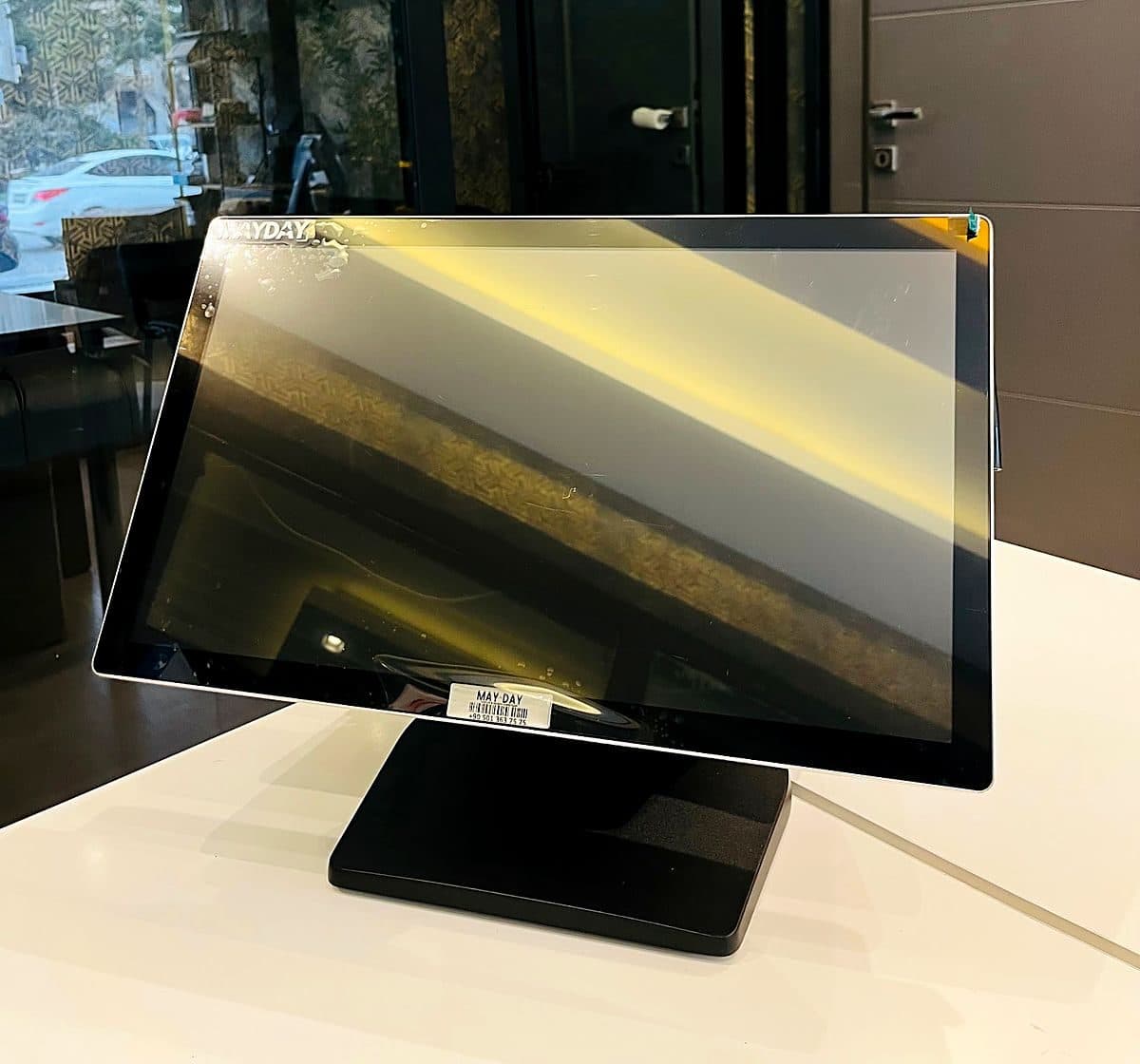
POS & Ordering Systems
POS System
A turnkey POS system with a touchscreen till, software, fiscal cash register (ÖKC) integration and peripherals, for grocery stores, retail shops and restaurants.
Request a quote for pricing
24/7 support · on-site service in 81 provinces

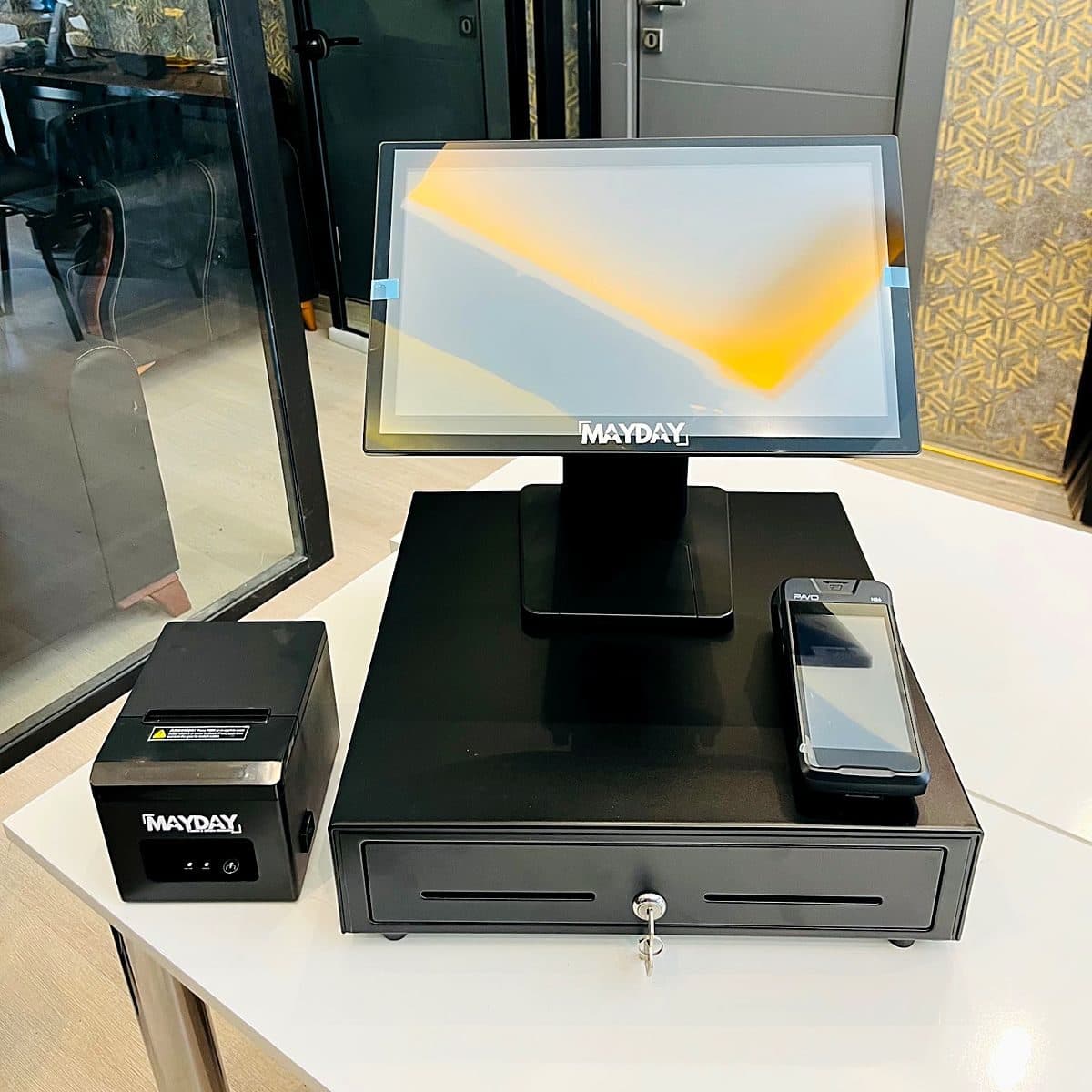
POS & Ordering Systems
An order and bill management system for restaurants and cafes that brings tables, orders, kitchen and payment onto a single screen: software, hardware, installation and on-site service in all 81 provinces.
Request a quote for pricing
Restaurants, cafes, patisseries, fast food and delivery businesses; from single-branch venues to chains.
Eliminates orders lost or misread on paper bills, the disconnect between kitchen and floor, and tills that do not balance at the end of the day.
An ordering system (adisyon system) is restaurant software that digitally manages the whole process, from sending the order taken at the table to the kitchen through to closing the bill. The lost orders, illegible handwriting and unbalanced tills at the end of the day that come with paper bills disappear with a digital system: every order is recorded against a table, a waiter and a time.
Mayday Bilişim does not deliver the ordering system as a software license alone, but as a complete, working whole. We inspect your business on site, choose the till computer, kitchen printer and waiter devices, set up the software for your menu, train your team and stand by you on opening day.
Our group has two ordering software products, and we recommend one according to your needs:
Your floor plan appears on screen exactly as it is: occupied, empty, bill-requested and reserved tables are separated by color. Moving tables, merging them and splitting bills takes a few taps.
Options and extras (doneness, sauce, portion size) are defined for products. When an order is confirmed, it goes automatically to the relevant kitchen or bar printer; the kitchen sees at once which table is waiting for what.
Cash, card and split payments are accepted; discounts, complimentary items and service/cover charges are applied on the record. With fiscal cash register (ÖKC) integration, the fiscal receipt is issued directly from the till.
For phone orders, the calling customer's record (Caller ID) appears on screen, and delivery and courier tracking are handled in the same system. With the QR menu, customers view the menu on their own phones.
Daily revenue, best-selling products, and sales by waiter and by hour are reported. The business owner follows sales from the mobile owner dashboard without being on the premises.
The cost of an ordering system varies by business, so instead of a fixed price we give a clear quote after a site survey. The main factors that shape the quote are: the number of till and waiter devices, the number of kitchen/bar printers, fiscal cash register (ÖKC) integration, the number of branches, delivery needs, and whether your existing hardware can be reused.
| Software | |
|---|---|
| Operating mode | Hybrid desktop + cloud (Mayday POS) or cloud (Orva POS) |
| Internet outage | Sales continue; data syncs when the connection returns |
| Integration | |
| Fiscal cash register (ÖKC) | Hugin; other models are confirmed at the quotation stage |
| Service | |
| Installation | On-site installation and staff training |
| Support | 24/7 phone, WhatsApp and remote connection; on-site service in all 81 provinces |
No reviews yet.
A turnkey POS system with a touchscreen till, software, fiscal cash register (ÖKC) integration and peripherals, for grocery stores, retail shops and restaurants.
A stylish, compact point-of-sale solution that brings the entire ordering flow from table to till into one place. A complete hardware package ready to install for restaurants, cafes and patisseries.
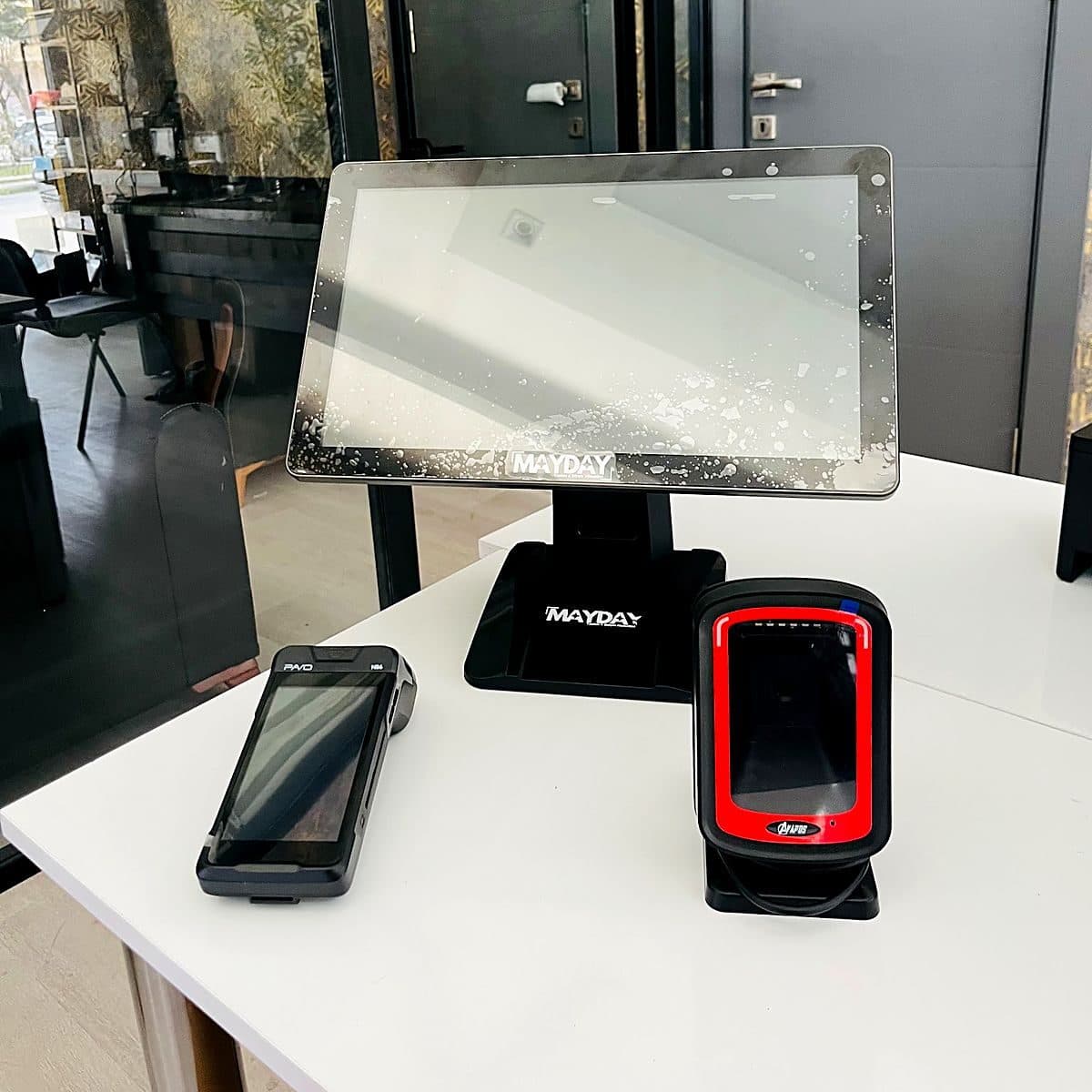
A practical, modern solution for quick-service businesses that combines a fixed till with a mobile payment point.